
Quick Summary
For most startups, QuickBooks Online is the most recognized choice, while Wave suits lean budgets and Xero suits international operations. The best pick depends on your stage, team size, and how you earn revenue, so test the import and reconciliation workflow before committing to any bookkeeping software.
- Most early-stage founders need bank feeds, categorization, invoicing, and readable reports from their platform.
- QuickBooks Online is the platform most founders recognize and is a common pick for scaling startups.
- Wave is a frequently cited low-cost option for lean startups, with a core free plan.
- Xero is a common fit for teams with international operations because of its multi-currency handling.
- Switching platforms after a year of messy data is far harder than choosing carefully at the start.
Table of Contents
- What Startups Need From Bookkeeping Software
- Best Bookkeeping Software for Startups Compared
- Best Bookkeeping Software for Startups Free Options
- Best Bookkeeping Software for Small Business Budgets
- Best Accounting Software for Small Business With No Employees
- Best Bookkeeping Software for Freelancers and Sole Proprietors
- Choosing Your Startup’s Bookkeeping Setup and Getting Professional Help
- Frequently Asked Questions
What Startups Need From Bookkeeping Software
Last Updated: November 15, 2026
Choosing bookkeeping software is one of the first real operating decisions a startup makes. The right tool keeps transactions clean, cash position visible, and tax season manageable. The wrong one creates cleanup work that costs more than the subscription ever did. This guide compares bookkeeping software options for startups, with selection criteria you can apply to your own situation.
Most early-stage founders need four things from a bookkeeping platform: automatic bank feeds, reliable categorization, invoicing, and reports they can read without an accountant. Start with those requirements before comparing features. A tool that does everything but reconciles poorly will slow you down every month.
Watch out: switching platforms after a year of messy data is far harder than choosing carefully at the start, so test the import and reconciliation workflow before committing.
Best Bookkeeping Software for Startups Compared
Last Updated: November 15, 2026
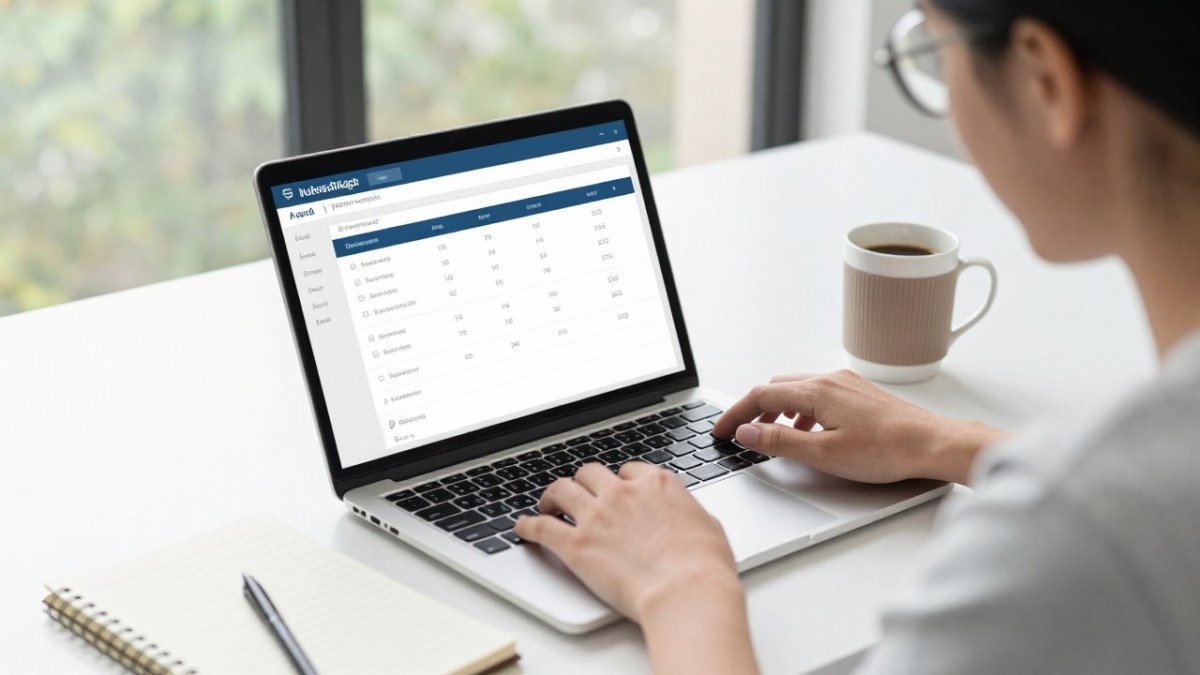
We compare the platforms most often recommended to early-stage companies below. Pricing changes frequently, so confirm current plans on each vendor’s site before you buy. The table groups tools by the startup situation they fit best, not by marketing claims.
| Tool | Starting Price | Free Tier | Best For |
|---|---|---|---|
| QuickBooks Online | $19/month (Simple Start) | No | Startups that want a widely used platform with room to scale |
| Xero | Not verified | No | Teams with international operations or multiple currencies |
| FreshBooks | Not verified | No | Service-based startups billing by hour or project |
| Wave | Not verified | Yes (core plan) | Lean startups on a tight budget |
| Zoho Books | Not verified | Yes (entry tier) | Startups comparing plan scope against lower-priced alternatives |
QuickBooks Online is the platform most founders recognize. Plan boundaries shift, so confirm which reports and user seats sit on the tier you would actually buy.
Xero is a common fit for teams with international operations because of its multi-currency handling. Check the current plans directly.
FreshBooks stands out for service-based businesses. If you bill clients by the hour or by project, its invoicing and time-tracking workflow is worth evaluating first.
Confirm whether the features you need sit on the free plan or a paid add-on.
Verify the exact figures before budgeting.
How to choose by startup stage
The right pick depends less on feature count than on where your company sits today.
- Pre-revenue or bootstrapped: prioritize a free or low-cost plan with solid bank feeds and invoicing. Wave or a QuickBooks Simple Start tier usually covers this stage.
- Early revenue with a small team: you need multi-user access, bill management, and reports a non-accountant can read. QuickBooks Essentials or a comparable Xero tier fits here.
- Venture-backed or preparing to raise: investor reporting, burn rate, and runway visibility matter more than price. Look for platforms or add-ons that produce clean monthly statements and budget-versus-actual reports.
- Multi-entity or international: multi-currency and consolidation support move to the top of the list, which is where Xero and later-stage platforms like NetSuite come in.
What to test before you commit
A 30-minute trial tells you more than a feature list. Import a month of real transactions, connect your bank feed, and run a reconciliation. If the import produces duplicates or the reconciliation workflow is confusing, the platform will cost you time every month.
Watch out: switching platforms after a year of messy data is far harder than choosing carefully at the start, so test the import and reconciliation workflow before committing.
Over The Moon Bookkeeping LLC works with clients on QuickBooks Online.
Best for: startups that want a familiar platform with plan flexibility.
Skip if: you need advanced multi-entity consolidation from day one.
Best Bookkeeping Software for Startups Free Options
Free plans are attractive when cash is tight, but they come with limits. Most free or near-free tiers cap transaction volume, users, or reporting depth.
Free plans and what they leave out
Free tiers usually omit multi-user access for accountants, advanced reporting, and some integrations. A common mistake is adopting a free plan, then discovering that the report you need for an investor update sits behind a paywall. Map your reporting needs before you pick the free option.
Wave is the most frequently cited low-cost choice for lean startups. Verify its current free features on the vendor’s site, since plan details change.
Best Bookkeeping Software for Small Business Budgets
Budget-conscious startups should weigh the monthly fee against the time spent on manual work. A cheaper tool that adds five hours of reconciliation each month is not cheaper in practice.
Compare three things: the monthly subscription, the cost of add-ons such as payroll or payment processing, and the hours your team spends on categorization. Pricing depends on your transaction volume and scope, so request a quote for your specific case through our website.
Best Accounting Software for Small Business With No Employees
Solo founders have different needs. You need invoicing, expense tracking, and quarterly tax estimates, but you probably do not need user permissions or approval workflows.
Prioritize mobile receipt capture and automatic bank feeds. Those two features save the most time for a one-person operation. A common pitfall is paying for multi-user plans you will never use.
Best Bookkeeping Software for Freelancers and Sole Proprietors
Freelancers with irregular income face a different challenge: separating business and personal spending and setting aside money for taxes. A practical bookkeeping setup written for contractors and freelancers walks through how to organize these records from the start. Look for software that tags business expenses clearly and estimates tax liability as you go.
The bookkeeping workflow, step by step
Most freelancers and sole proprietors run the same monthly cycle, and the software should automate as much of it as possible:
- Connect accounts. Link your business checking account and credit card so transactions flow in automatically. This is the single biggest time saver.
- Categorize transactions. Apply rules so recurring vendors (software subscriptions, hosting, supplies) land in the right expense category without manual entry each month.
- Capture receipts. Use mobile receipt capture at the point of purchase so documentation is attached before the transaction is forgotten.
- Reconcile monthly. Match the software balance to your bank statement. Reconciliation is what catches duplicate entries and missed transactions.
- Invoice and collect. Send invoices from the same platform so income and payment status stay in one place.
- Set aside tax money. Move a percentage of each payment to a separate tax savings account as it arrives, rather than scrambling at quarter end.
When a freelancer needs a bookkeeper
Software handles categorization and reporting, but it does not decide how to treat a mixed-use expense, a home office, or a large equipment purchase. A common pattern is to self-manage bookkeeping until revenue becomes steady, then bring in a bookkeeper for monthly reconciliation and quarterly review. If you are behind on records, a catch-up or clean-up engagement is usually cheaper than fixing a year of errors during tax season.
Choosing by operating model
Freelancers and sole proprietors are not the only early-stage founders, and the right setup depends on how the business earns money:
- Service freelancers: invoicing, time tracking, and expense tagging matter most. FreshBooks and Wave are common starting points.
- Ecommerce sellers: you need sales-channel integrations, inventory or cost-of-goods tracking, and payment processing reconciliation. Confirm the platform connects to the marketplaces you sell on.
- SaaS founders: recurring revenue, deferred revenue, and investor reporting move to the top of the list. Basic freelancer plans usually fall short here.
- Bootstrapped versus venture-backed: bootstrapped founders should optimize for low cost and simplicity; venture-backed founders should optimize for clean monthly statements, burn rate, and runway reporting that will survive due diligence.
Freelancers often start with a basic plan and upgrade once invoicing volume grows. That path works well if the platform lets you upgrade without re-entering data. Confirm that before you start.
Watch out: a free plan that caps transactions or users can quietly force an upgrade mid-year, so check the limits against your expected volume before you build your workflow around it.
Choosing Your Startup’s Bookkeeping Setup and Getting Professional Help
Software alone rarely keeps books accurate. Most startups do best when the tool is paired with a clear process: who categorizes transactions, how often reconciliation happens, and who reviews the monthly reports.
If you are choosing a setup now, start with How to Manage Payroll for a Small Business Step by Step once your bookkeeping is stable, since payroll adds a second layer of records. For guidance on picking a provider, read How to Choose a Bookkeeper for Your Small Business. If you are ready for hands-on help, Bookkeeping Services covers monthly, catch-up and clean-up bookkeeping for small businesses nationwide, and Monthly Bookkeeping Services Pricing Guide for Small Businesses explains what affects monthly costs.
Over The Moon Bookkeeping LLC offers a free evaluation to review your current setup before you commit to any platform.
Frequently Asked Questions
What is the best accounting software for startups?
The best choice depends on your stage, business model, and how much help you need. QuickBooks Online is widely used by small businesses and offers multiple plan tiers. Xero is commonly recommended for teams with international operations, and FreshBooks suits service-based startups. Compare plan features and current pricing directly on each vendor’s site, and consider whether you want to manage the software yourself or have a professional bookkeeper handle it.
Is free bookkeeping software enough for a startup?
Free bookkeeping software can work for very early-stage startups with simple transactions and few invoices. Free plans usually limit users, transactions, integrations, or reporting, so they can become restrictive as revenue grows. Check whether the free plan includes bank feeds, invoicing, and the reports you need for investors or lenders. If you expect to add employees, contractors, or payroll, plan for a paid tier earlier rather than migrating data later.
When should a startup hire a bookkeeper?
Many startups hire a bookkeeper once monthly transaction volume grows, reconciliations start falling behind, or the founder spends too much time on data entry. Early help can prevent messy records that are costly to clean up before tax season or a funding round. Over The Moon Bookkeeping LLC offers monthly bookkeeping, financial reporting, and payroll management built on QuickBooks Online. For current pricing or a quote based on your volume and needs, contact the firm through its website.
What features should startups look for in bookkeeping software?
Prioritize bank feeds with reliable transaction matching, expense categorization, invoicing and payment collection, and financial reports such as a profit and loss statement and balance sheet. Confirm that user access and accountant access are flexible enough for your team and outside advisors. Check integrations with payroll and payment tools, and look at how easily you can export your data if you switch platforms later.